Real stick handling đ
Real video games đšī¸
Real fun đ¤Š
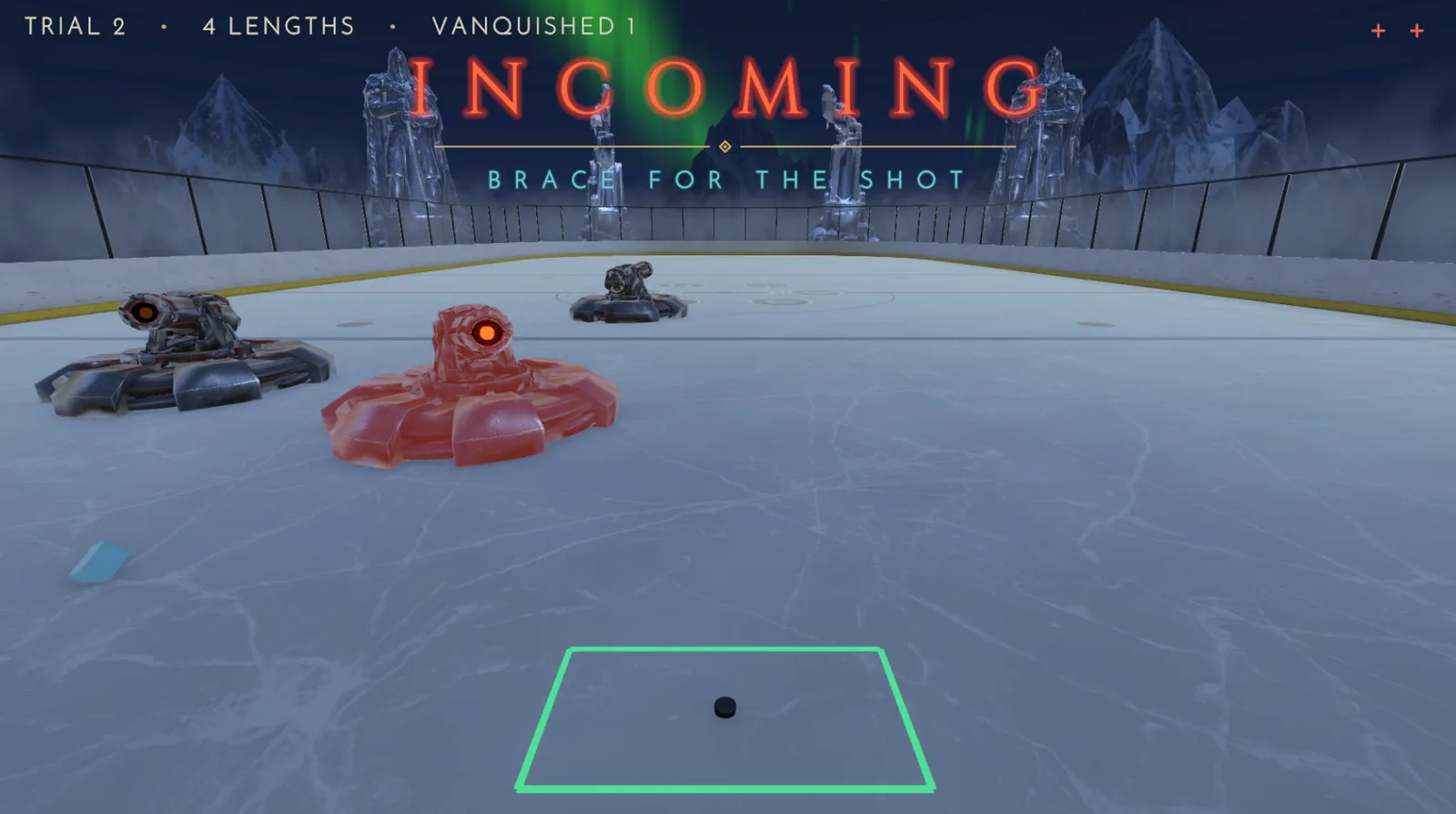
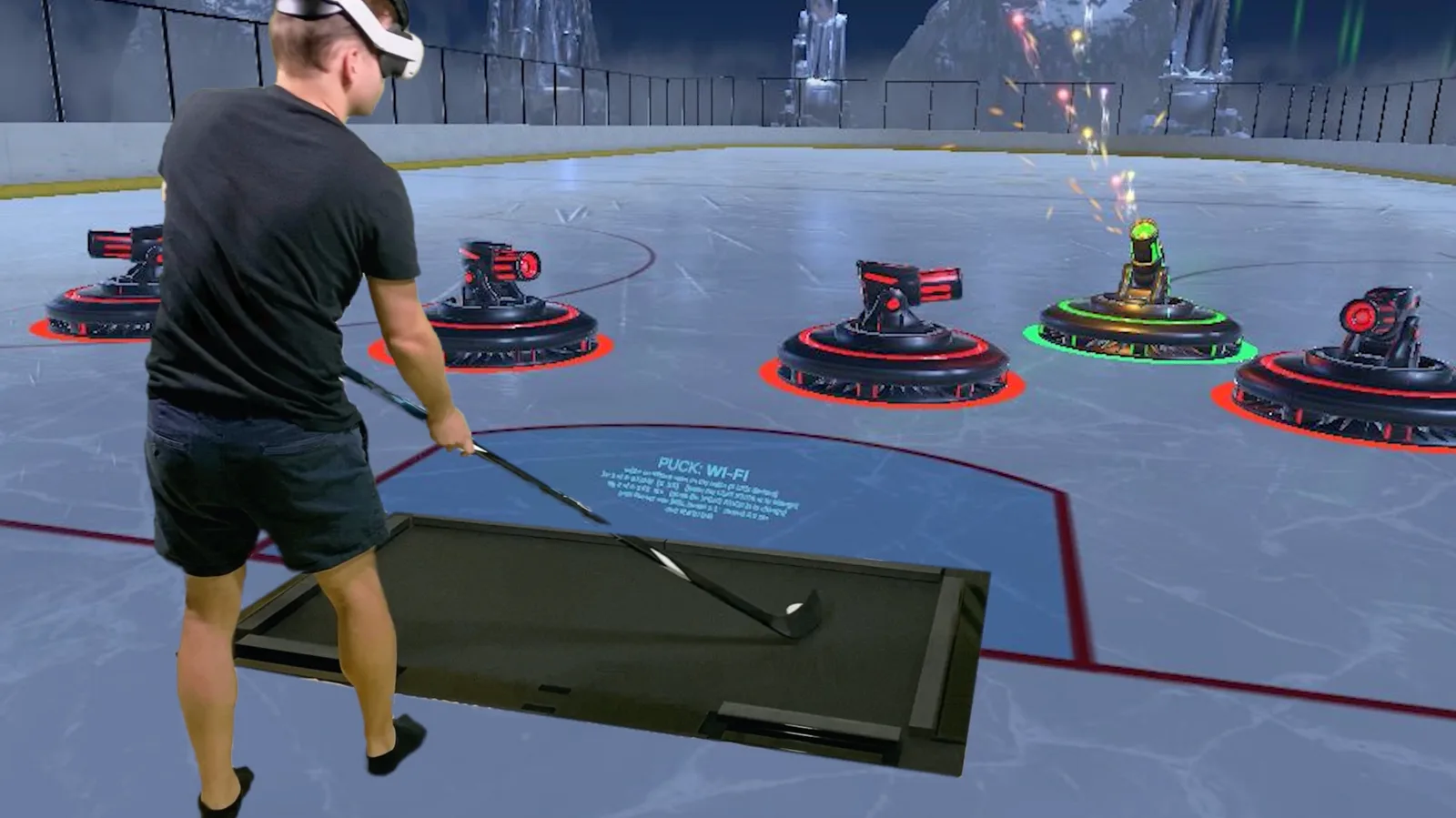
Stick and puck (or ball) become a joystick in the Dangleverse! Track the puck with an iPhone or iPad and play games on an Apple TV streaming box, Mac, Vision Pro, or another iPad or iPhone.
Turn your living room basement into a hockey arcade. (Mom will come around eventually.)
Get started
Odd Man Rush  is the premiere game in the Dangleverse

Hockey + video games = fun (and training)
Track the puck with an iPhone or iPad

Setup is easy

Play on devices you already have
You can play Odd Man Rush on an iPad, Apple TV streaming box, Mac (M1 chip or newer), Vision Pro or another iPhone. We recommend an Apple TV* for the most immersive, video game-like experience.
* Apple TV is not a physical TV â it's a streaming box that connects to any TV to play shows, movies, games, and apps.

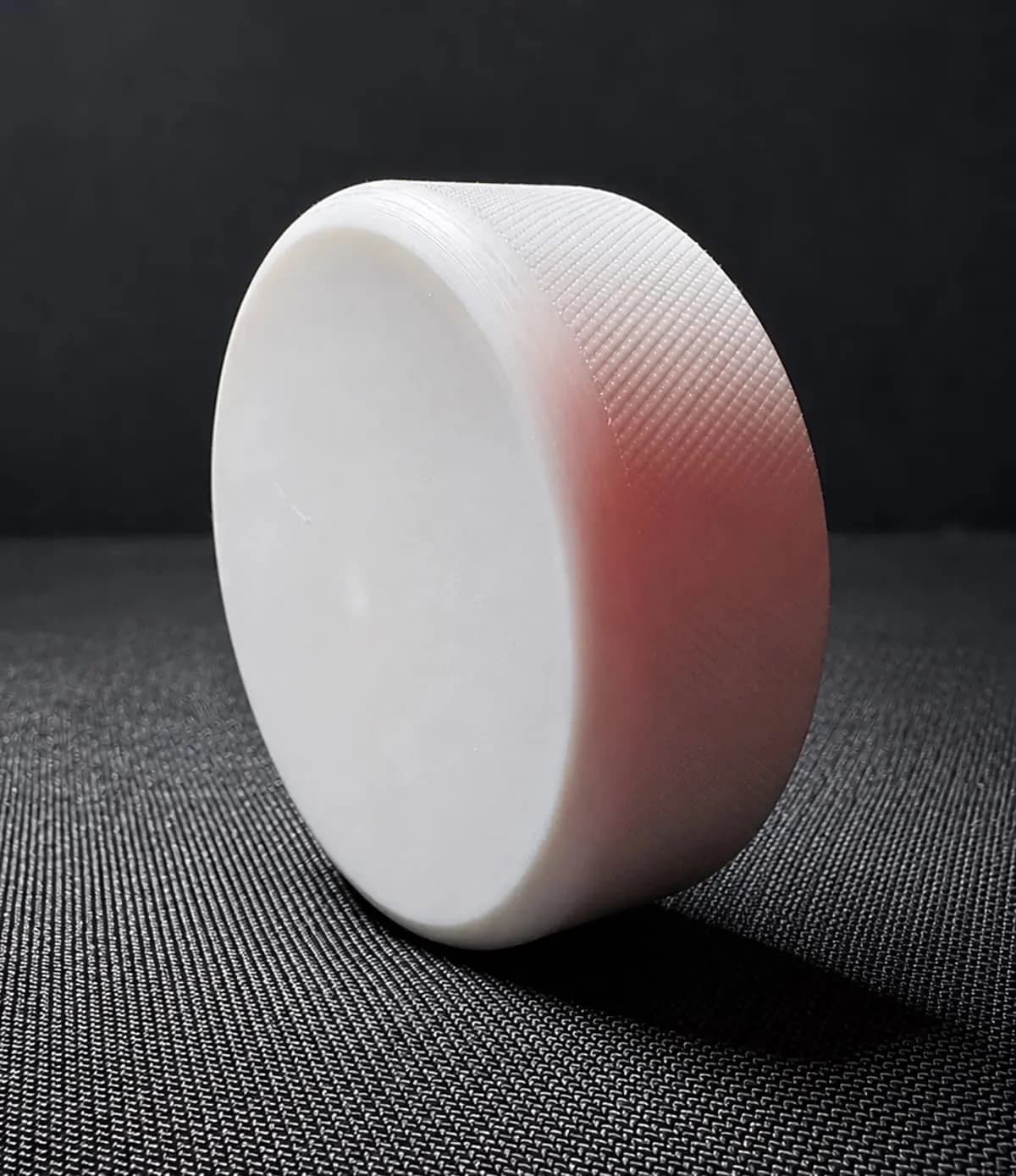
Pucks and balls

Play anywhere
Play on synthetic tiles, asphalt, concrete, or carpet... or even straight on your new hardwood floors! đ
Regular pucks and Xenopucks work best with white synthetic ice tiles and white tape on your stick blade.
All skill levels

Party time

Electronic requirements
You'll need two Apple devices:
- iPhone or iPad for puck tracking
- Apple TV streaming box, Mac, Vision Pro, or another iPad or iPhone for gameplay screen
Most device models from the last few years are supported. The exact hardware and software requirements are:
- Tracking device:
- iPhone: iPhone 11 or newer running iOS 16+
- iPad: any iPad with A12X chip or newer running iOS 16+
- Gameplay device:
- iPad: any iPad running iOS 16+
- Apple TV box: Apple TV 4K 1st-gen (2017) or newer running tvOS 16+
- Mac: Mac with M1 chip or newer running macOS 13.5+
- iPhone: any iPhone running iOS 16+
- Vision Pro: Vision Pro running visionOS 1.0+
The Apple TV streaming box provides the best TV experience, but you can mirror your gameplay device to a TV or monitor, with some caveats:
- Do not mirror wirelessly with AirPlay as it will introduce unacceptable lag.
- Use an HDMI cable and an adapter that supports 4K at 60Hz.
- Make sure to turn on game mode on your TV to reduce lag.

Small team, big dreams â